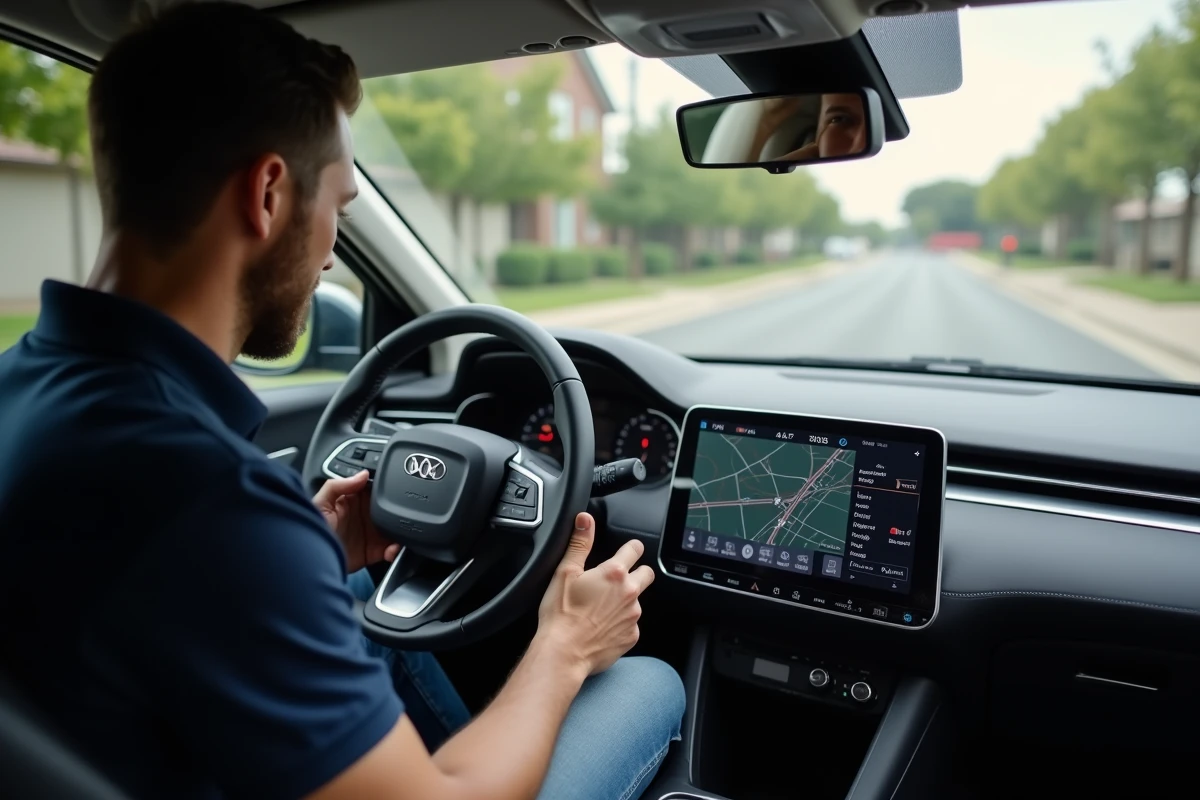
An outdated version of the Citroën navigation software prevents access to the latest maps and security updates. Some models show incompatibilities between the GPS version and the update files, leading to errors during installation.
Navigation information does not synchronize automatically across all vehicles. To ensure optimal performance, a manual check of the installed version is essential before any update attempt.
Why checking your Citroën GPS version makes all the difference
The GPS version embedded in your Citroën is not just a technical detail forgotten in a hidden menu. It shapes the reliability of the navigation system, the relevance of the proposed routes, and the safety of every trip. A GPS that has not kept up with the evolution of the road network is unaware of new one-way streets, recent speed limits, or updated risk zones. An outdated Citroën mapping can turn an entire journey into a series of unexpected challenges.
Performing this check ensures that the displayed data corresponds to the reality of the road. Too many drivers still confuse the registration date of the vehicle with that of the software actually installed on board. Updates do not happen automatically, especially on models designed before certain key years. Ultimately, it is the driver who ensures the compliance of their GPS.
Before a long trip or a change of region, it is wise to check the version. A detailed guide on updating Citroën GPS on Automobile Référence accompanies each model to identify the exact version of the GPS mapping and perform its upgrade. The comfort of navigation depends on this follow-up. When the road network changes, the ability to react quickly makes all the difference. Waiting for errors to accumulate? Bad idea. Mastering navigation requires vigilance on this point, which is too often overlooked.
Where to find the information and how to recognize the version of your system
To locate the Citroën GPS version, you need to open the system menu on the central screen, whether it’s a Berlingo or another Citroën model. Navigate through the menus: sections “navigation,” “settings,” then “about” or “system information.” The version appears as a number, usually accompanied by a release date.
The Citroën VIN number, indicated on the registration document, deserves your full attention. It allows for precise identification of the model and year of manufacture, two essential elements for selecting the correct update. Ensure that the VIN exactly matches your vehicle: each series has its own software specifics.
Here’s how to find the information step by step:
- Turn on the navigation system and access the main menu
- Select the “Settings” or “Preferences” tab
- Go to the “System Information” or “About” section
- Note the GPS system version along with the indicated date
Follow this mini-guide to ensure you don’t forget anything during the check:
In some cases, the manufacturer’s warranty includes the update of the navigation software, depending on the age of the vehicle. Check the maintenance booklet or the documentation provided at purchase to see what applies. Be particularly vigilant if your Citroën is less than three years old. Version differences from one model year to another are significant, with each update correcting crucial points for mapping and guidance reliability.

Update your Citroën GPS step by step, with practical tips and useful resources
Updating the Citroën GPS requires a bit of organization. Get a USB flash drive of at least 16 GB, formatted in FAT32: this will hold the files provided by Citroën. Download the data from the official site after entering your vehicle’s VIN number. The MyCitroën app, which you can install on your phone, also offers the option to retrieve the latest versions of the navigation system.
Then transfer the downloaded files to the USB flash drive, without modifying or adding anything unnecessary. Plug the drive into the vehicle’s USB port, with the engine running. The system will then detect the presence of an update and display the steps to follow: let it guide you, the progress will be shown on the screen, and there is no need to turn off the ignition before the operation is complete.
Keep these essential points in mind before starting the procedure:
- Check the battery level: an update can take up to 40 minutes
- Use a USB drive reserved solely for this task
- Keep a copy of the original file on your computer
Once the update is complete, you will benefit from recent mapping data, refined guidance, and connected services such as real-time traffic. If you have any doubts or questions about a step, refer to the vehicle manual or contact Citroën support, available via the app or the official website. Staying up to date means driving with peace of mind, ready for every detour or sudden change of direction. Everything else is just risky improvisation.